$CLASH buying guide
Choose your route. Follow the contract.
Whether you are new to crypto or already using Solana, there is a path below for you. Start small, follow the numbered steps, and never trust the name alone.
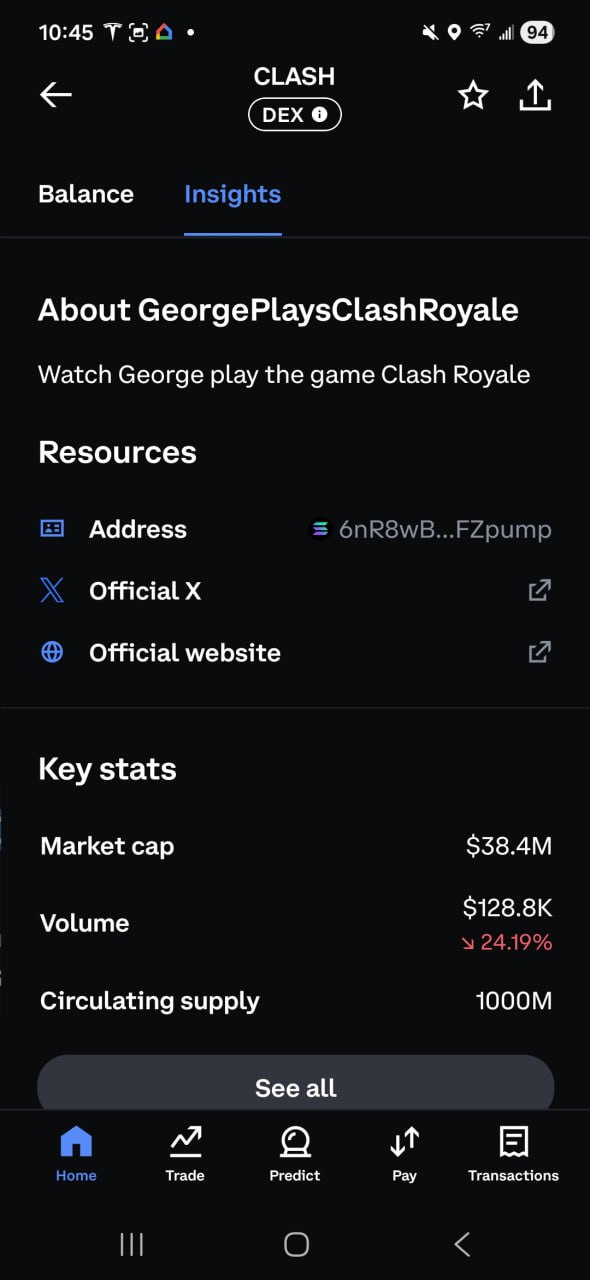
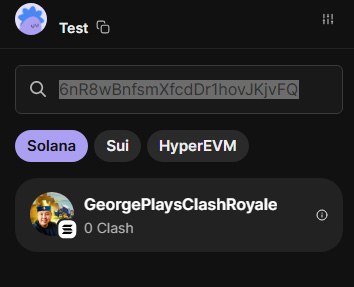
6nR8wBnfsmXfcdDr1hovJKjvFQxNSidN6XFyfAFZpumpMatch every character before approving a purchase or swap.
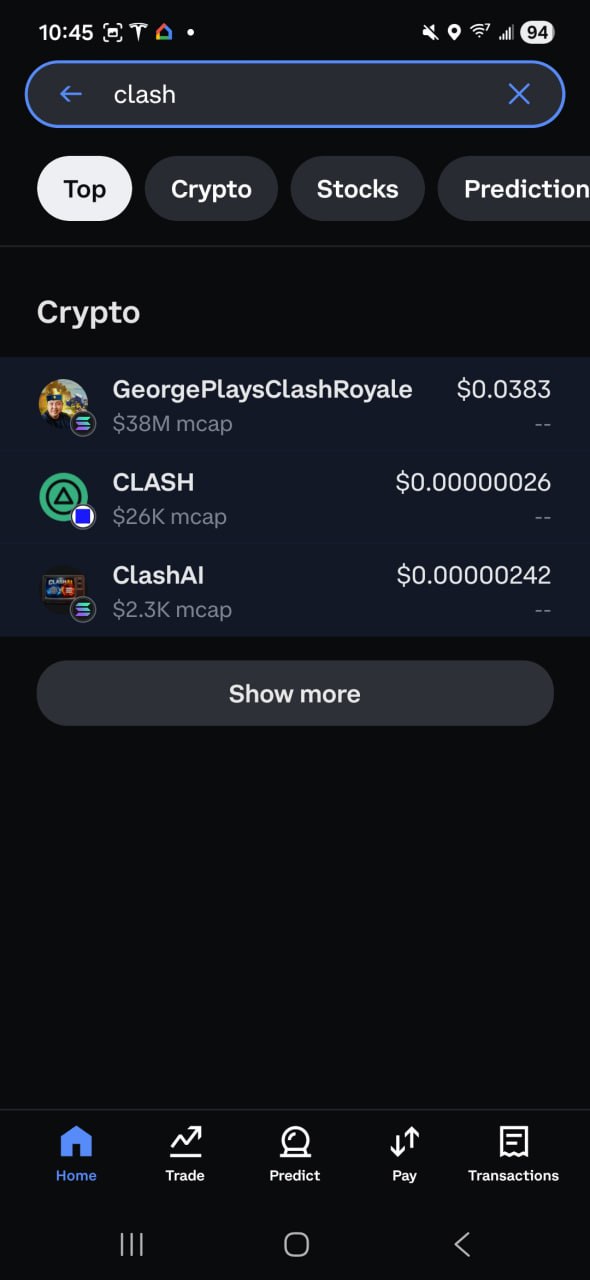
One token, two names. $CLASH launched as GeorgePlaysClashRoyale and is now Clash Project. Some wallets and market pages still show the legacy name. It is the same project only when the contract matches the address above.
Buy inside Coinbase
If Coinbase DEX trading is available for your account and region, you can find $CLASH without first learning a separate wallet.
- 1
Open Coinbase and search CLASH
Choose the Solana token. Do not rely on the ticker by itself.
- 2
Check the contract address
It must match the official address at the top of this page.
- 3
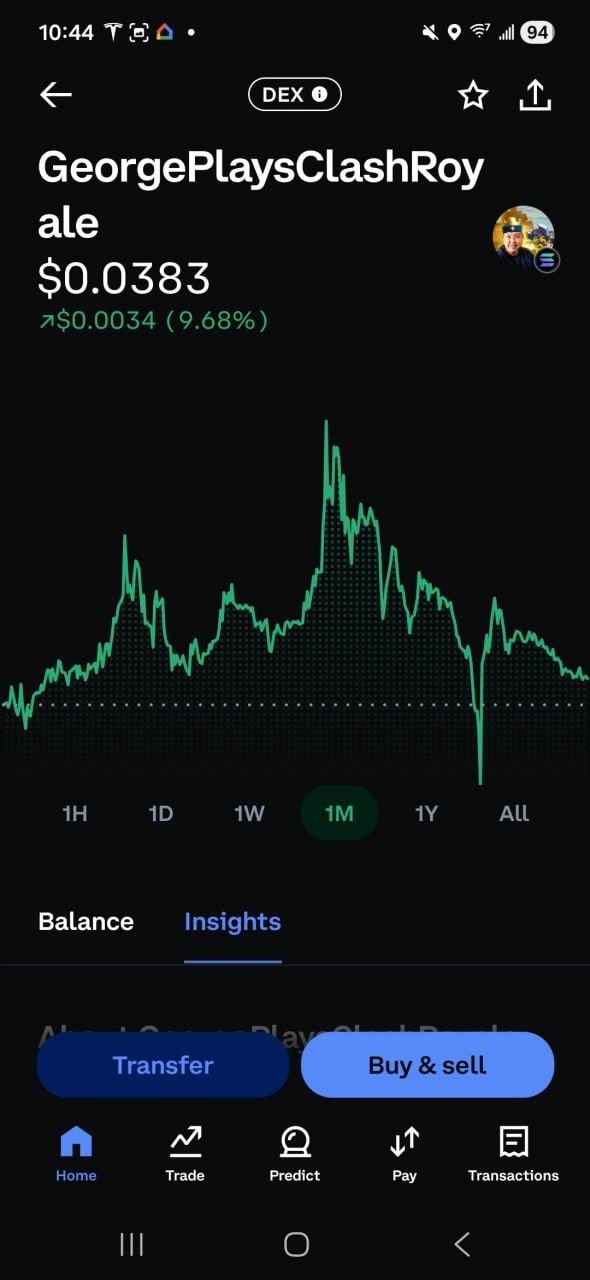
Select Buy and review
Confirm the token, amount, and fees before approving the purchase.
Do not see $CLASH? Coinbase rolls DEX access out by region and asset. Use ClashSwap, Jupiter, or Phantom below instead.
Swap on ClashSwap
Already use ClashPicks? Stay inside the CLASH ecosystem and swap directly from your Solana wallet.
- 1
Open ClashSwap
Go to clashpicks.com/swap and connect Phantom, Solflare, or another Solana wallet.
- 2
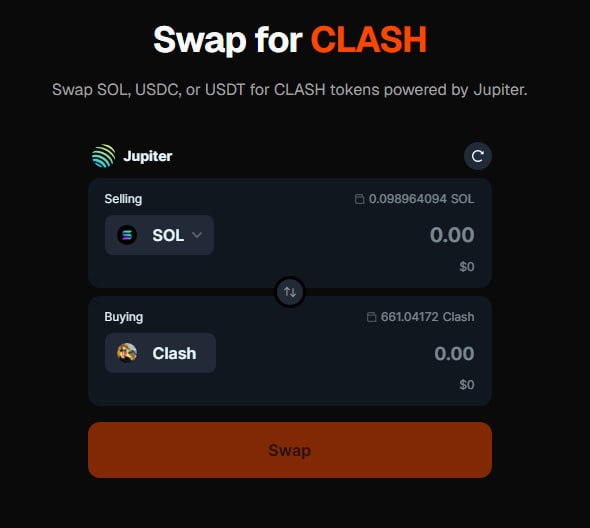
Choose what you are paying
Select SOL, USDC, or USDT in the You Pay field.
- 3
Choose CLASH
Select CLASH in You Receive, review the quote, and approve the swap in your wallet.
Buy with Phantom
This route takes a few more steps, but it teaches the basics of holding and swapping tokens in your own Solana wallet.
Install
Get Phantom
Install Phantom from the official Phantom website for iOS, Android, or Chrome. Avoid sponsored search results and lookalike extensions.
Phantom websiteSet up
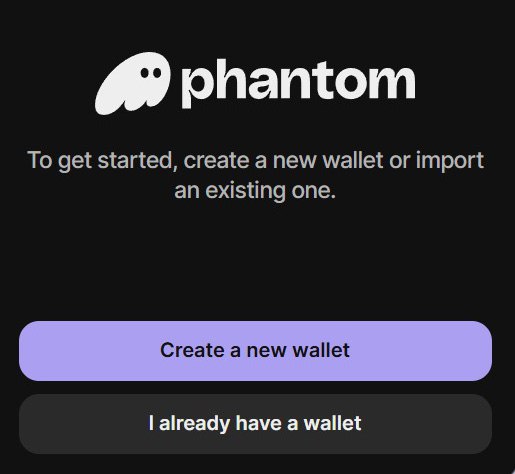
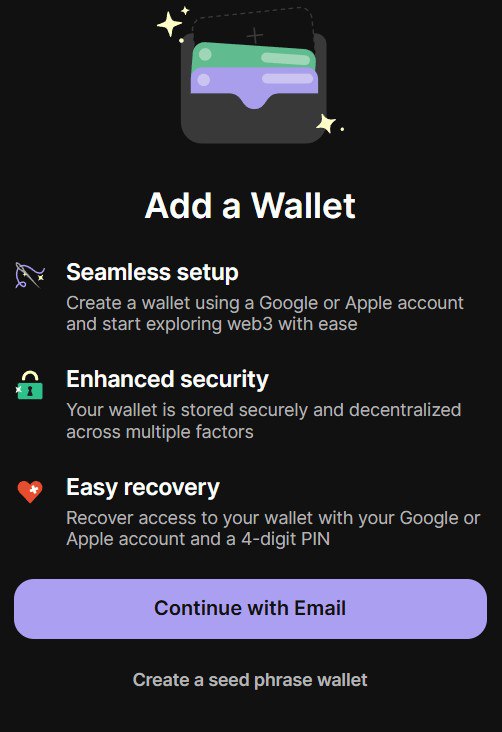
Create your wallet
Phantom offers a simpler email setup or a traditional recovery phrase. The recovery phrase gives you direct self-custody, but it also makes you fully responsible for keeping it safe.
Your recovery phrase is the master key
Write it down offline, keep copies in two secure physical locations, and never share it. Anyone who has it can control the wallet. No support agent needs it.
Fund
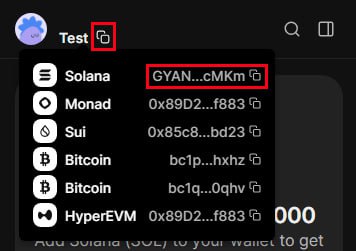
Add SOL
Buy SOL inside Phantom or send SOL from an exchange to your Phantom Solana address. Make a small test transfer first and leave a little SOL for network fees.
Swap
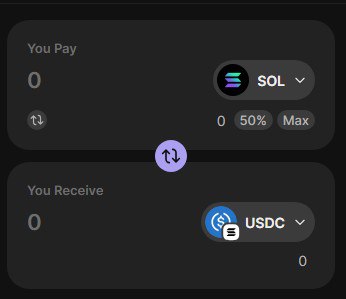
Trade SOL for CLASH
- 1
Set You Pay to SOL
Enter the amount you want to swap.
- 2
Set You Receive to CLASH
If CLASH is not listed, paste the official contract address from the top of this page.
- 3
Review and approve
Check the token and quote, then approve Swap Now in Phantom.
Before you swap
- Paste and compare the official contract address.
- Start with a small purchase or test swap.
- Keep a little SOL available for network fees.
- Ignore unsolicited DMs. The team will never ask for your recovery phrase or tell you to send funds first.
If something goes wrong
Cannot find CLASH?
Open Manage Tokens or the token selector and paste the official contract address.
Price impact looks too high?
Reduce the swap size and compare the quote on Jupiter or ClashSwap before approving.
Transfer still pending?
Confirm that you used the Solana network, then wait for the transfer to confirm before trying again.
Check current markets
Listings may still use GeorgePlaysClashRoyale. Follow the contract address, then compare liquidity and price.